We use cookies to improve your online experience. By continuing browsing this website, we assume you agree our use of cookies.
Home > News & IEM Guides > Cables & Connections > IEM Cable Left and Right Markings - Avoid Reversed Channels
Sep.2026 27

IEM Cable Left and Right Markings - Avoid Reversed Channels

Introduction
Identify left and right IEM cables, check stereo channel routing and avoid guessing two-pin polarity when replacing a cable.
Details

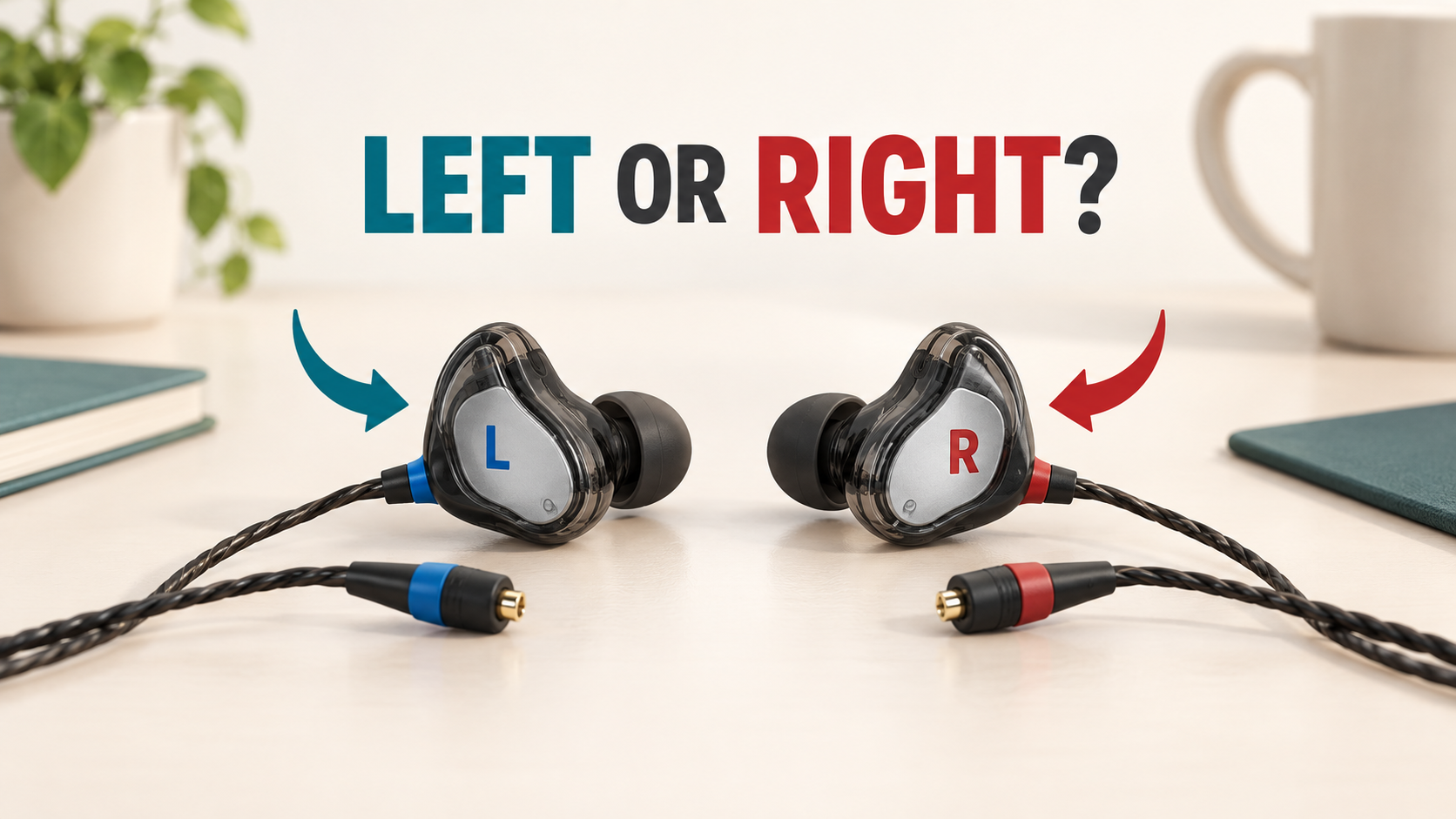
Illustration of left and right IEM and cable markings

After changing an IEM cable, check both the physical side and the connector orientation. Left/right channel routing and two-pin polarity are related setup questions, but they are not the same thing.

Start with the printed markings

Look for L and R on the earpieces and connector housings. Some manufacturers also use colour coding; consult the model instructions before assuming a colour means the same thing on every cable. Use the original cable orientation as a reference if it was correctly fitted.

Do not identify the side solely from the ear-hook bend. An aftermarket hook may be shaped differently, and a cable can be routed incorrectly while still making contact.

Check channel routing without guessing

  1. Connect to a known-working source at low volume.
  2. Use a trusted system left/right channel test.
  3. Confirm that the announced left channel plays in the left earpiece and the right channel in the right.
  4. Restore normal stereo settings after any testing.

If the channels are reversed, inspect the cable's side assignment and source settings. Do not rotate a two-pin plug blindly as a first response.

Why polarity needs model-specific information

The two pins have an intended electrical orientation. The plastic housing, a shroud or a printed letter does not always provide enough information to infer the pin assignment across brands. Ask for a model-specific wiring diagram or confirmation from the cable supplier.

Reversing one channel's polarity may affect the spatial impression with some material, but listening is not a reliable substitute for confirming the correct pinout. A left/right test identifies channel routing; it does not measure electrical polarity.

When replacing a cable

Check connector family, pin specification, housing clearance and orientation together. Align before inserting and stop if the cable needs sideways force. If the ear hook points unnaturally away from the ear, revisit the instructions rather than forcing the wire into shape.

What should I ask support?

Send the exact earphone model and clear photos of the original and proposed cable ends. Ask which side and orientation should be used. Keep any reply with the replacement cable information for future reference.

Read the connector overview or contact TINHIFI.

Reference: FIIO's example of side markings and connector diagrams. Its pin orientation is not a universal diagram for other models.

If the channels are correctly routed but uneven in level, follow the channel imbalance checklist.

Illustration: generated editorial artwork, not a photograph of a specific TINHIFI model.

X