We use cookies to improve your online experience. By continuing browsing this website, we assume you agree our use of cookies.
Home > News & IEM Guides > Care & Troubleshooting > How to Clean IEMs and Ear Tips: A Practical Care Guide
Sep.2026 27

How to Clean IEMs and Ear Tips: A Practical Care Guide

Introduction
Care for your wired IEMs with gentle cleaning, safer storage and simple checks for a quiet channel. Learn what to clean and when to ask for support.
Details

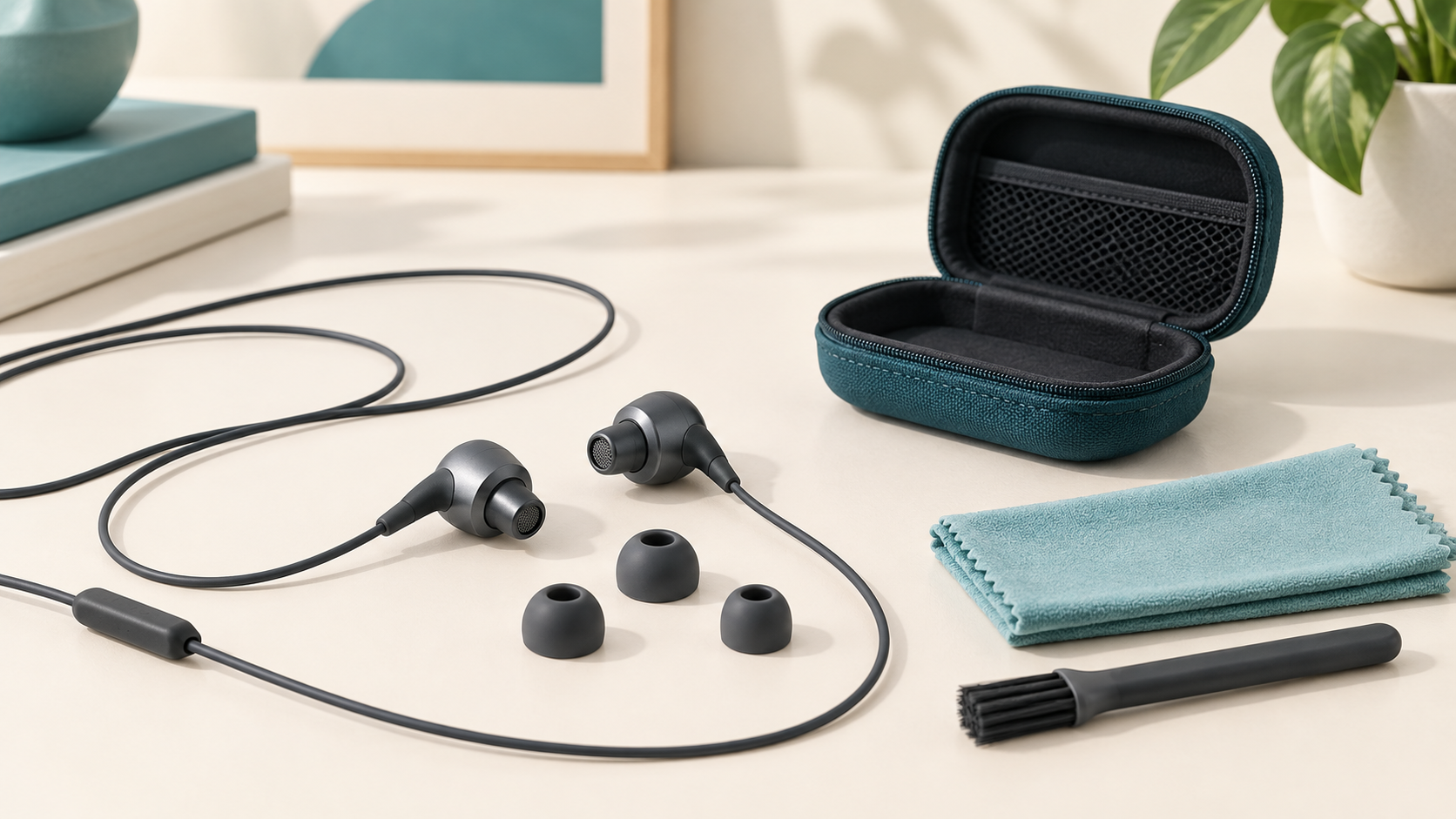
Illustration of wired IEMs, detached ear tips, a soft cloth, brush and storage case

A few simple habits can keep wired in-ear monitors cleaner and help you spot problems early. Start with gentle surface care, keep moisture away from the sound outlet and use the instructions for your exact earphones and ear tips. Cleaning more aggressively is not a solution to every sound problem.

After listening: wipe, inspect, store

Disconnect the IEMs from the audio source. Wipe the shells and cable with a clean, soft, dry cloth. Look for debris around the tips and nozzle without pushing anything into the opening. If the earphones are damp, let them dry in a ventilated place before putting them in a closed case. Do not use heat to speed up drying.

Store the cable in loose loops rather than wrapping it tightly around a phone. Keep the plug and earphone connectors free from strain. A protective case helps prevent the earphones from being crushed at the bottom of a bag.

How to clean IEM ear tips

  1. Remove the tips gently while supporting the earphone shell. Do not pull on the cable.
  2. Check the tip manufacturer's instructions. Use a dry, soft cloth as the starting point.
  3. If washing is explicitly permitted for that tip, clean it separately from the earphone and let it dry completely before refitting.
  4. Inspect for tears, deformation or a loose grip. Replace a damaged tip rather than trying to glue or reshape it.
  5. Refit securely and check that the sound opening remains clear.

Do not assume foam tips can be washed. Sony's guidance for its noise-isolation tips, for example, cautions against water washing and chemical cleaners. The material and construction matter, so use the care instructions for the tips you actually own.

Cleaning the nozzle and filter safely

Shure identifies wax or debris in the sound outlet as a possible reason for reduced earphone output. Check for visible surface buildup, but do not pierce a mesh, remove a glued filter or push debris deeper into the nozzle.

If the earphone maker permits a soft brush, hold the nozzle downward and brush only the outer surface gently. Use a dedicated cleaning tool only as instructed for that model. Never insert needles or use solvents, running water or compressed air as a general cleaning method. If debris remains behind the filter, contact support.

One IEM sounds quieter: what to check first

  • Fit: reseat both tips. An uneven seal can change the perceived balance. Our IEM ear tip fitting guide explains a simple seal check.
  • Source settings: check left/right balance and test a familiar recording in another app.
  • Connection: check that the source plug is fully inserted. Inspect detachable connectors without repeatedly pulling them apart.
  • Visible debris: compare the two sound outlets under good light. Follow the gentle cleaning steps above.
  • Another source: test with a known-working compatible device at low volume. If the same earphone remains quiet, ask support about service instead of dismantling it.

Common questions

Can I clean my IEMs with alcohol?

Do not use alcohol as a default cleaner. It can be unsuitable for some tip materials, finishes and adhesives. Follow the manufacturer's specific instructions; otherwise use a dry, soft cloth for external surfaces.

How often should I replace ear tips?

There is no single replacement schedule for every material and user. Inspect them regularly and replace tips that tear, lose their shape, no longer seal or stop gripping the nozzle securely.

Can I replace the nozzle filter myself?

Only when the maker identifies it as user-replaceable and supplies the correct part and procedure. Filters can be part of the acoustic design. Removing one without guidance may change the sound or damage the earphone.

When to contact TINHIFI

If cleaning and basic checks do not resolve the issue, contact TINHIFI support with the model, a description of the problem and the checks you have tried. Clear photos of the exterior can help. See our return policy and warranty information for the applicable terms.

Cover: generated editorial illustration, not a specific product model. References: Shure earphone cleaning guidance; Shure cleaning-tool instructions; Sony ear tip care guidance. Tools and procedures for another brand are not automatically suitable for your TINHIFI model.

X