We use cookies to improve your online experience. By continuing browsing this website, we assume you agree our use of cookies.
Home > News & IEM Guides > IEM Guides > IEM Distortion After EQ - Fix Bass Boost and Clipping Problems
Sep.2026 27

IEM Distortion After EQ - Fix Bass Boost and Clipping Problems

Introduction
Troubleshoot distortion after adding bass boost or EQ. Learn how headroom, processing and listening level affect a clean IEM signal.
Details

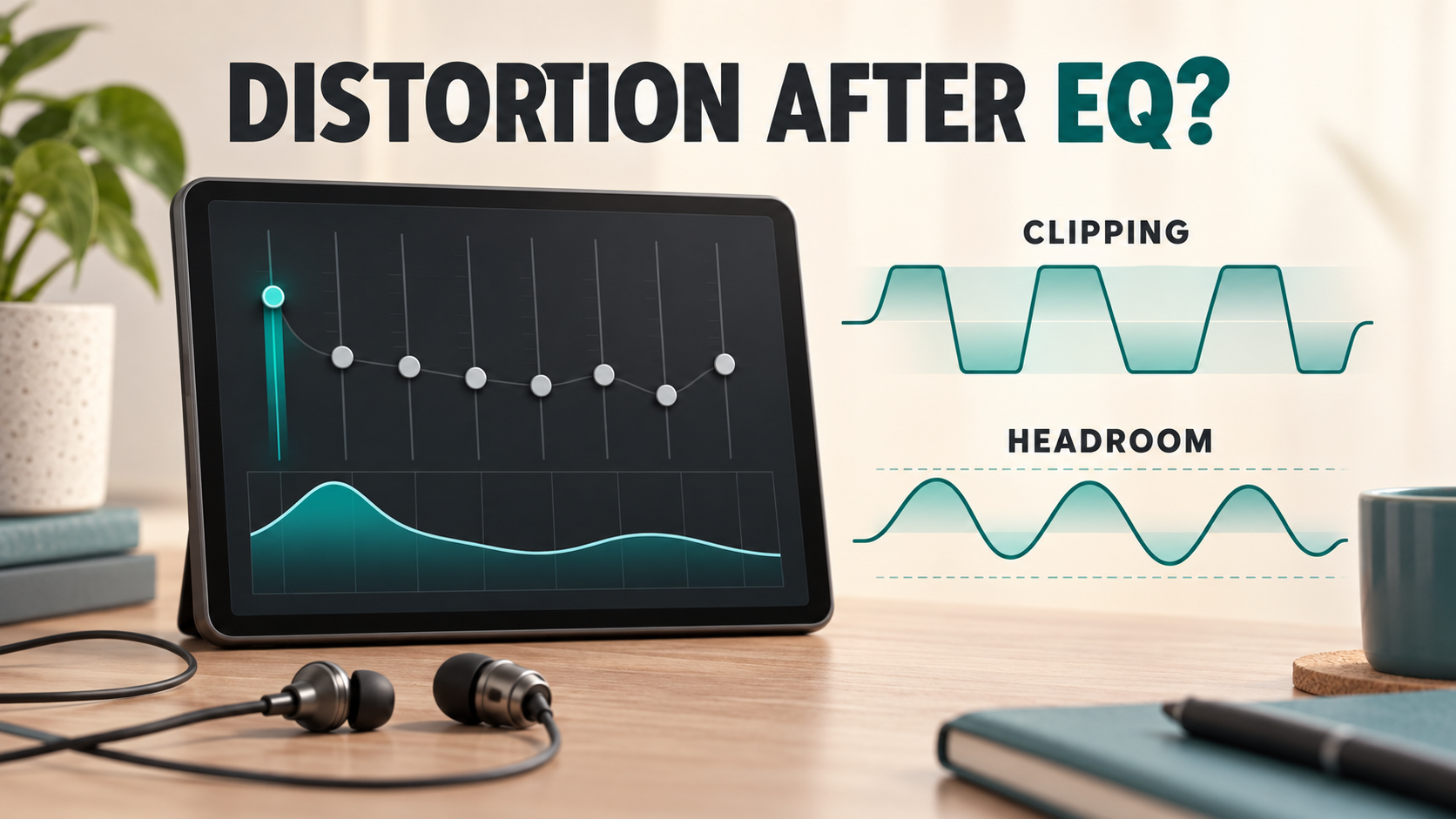
Conceptual illustration comparing clipped audio with available headroom after EQ

If your earphones sounded clean before you enabled bass boost, start with the processing settings rather than buying another pair. An EQ can increase parts of a digital signal beyond the available range. The result may be clipping, heard as roughness or distortion.

Make one clean comparison

Save your current preset, reduce playback volume and bypass the EQ. Use the same short passage with and without processing at roughly comparable loudness. If the distortion disappears only when the EQ is disabled, that is a useful clue. It does not mean every distortion problem comes from EQ.

Check the whole chain. A music app, operating-system enhancement and DAC app may each apply their own boost. Turning off one preset may leave another active.

Leave room for boosted frequencies

Headroom is the room a signal needs for peaks after processing. If your EQ offers a preamp or headroom control, use attenuation before the boosts and consult the software's clipping indicator. Roon's documentation explains why processed samples can exceed the digital range and why reducing the signal helps.

A negative preamp equal to a visible EQ boost can be a starting estimate, not a guarantee for every filter combination. Overlapping filters and other processing can change the peak level. Check the combined response or clipping meter where available, and follow the application's instructions.

A practical troubleshooting sequence

  1. Bypass all processing and confirm whether the original recording plays cleanly.
  2. Re-enable one EQ only. Start with modest adjustments rather than several large boosts.
  3. Allow headroom and use any available clipping indication.
  4. Test more than one recording. Distortion present in the source cannot be repaired by changing IEMs.
  5. If distortion remains without EQ, compare another compatible source and cable at low volume.

Why turning down the amplifier may not fix it

If clipping has already occurred in the digital processing stage, lowering a later analogue volume control only makes the distorted signal quieter. Correct the level at or before the stage that is clipping. Separately, an output or earphone driven beyond its capabilities may also distort, so do not compensate for reduced headroom by pushing playback excessively loud.

Is stronger bass always an upgrade?

Choose adjustments around your own listening needs and fit. If bass is weak because the ear tips leak, address the seal before making a large electrical boost. Keep an unmodified preset so you can compare honestly.

See our ear tip fit guide. If distortion persists across sources with processing disabled, contact TINHIFI support.

Reference: Roon headroom management documentation.

Illustration: generated editorial artwork, not a photograph of a specific TINHIFI model.

X