We use cookies to improve your online experience. By continuing browsing this website, we assume you agree our use of cookies.
Home > News & IEM Guides > Care & Troubleshooting > One Wired IEM Has No Sound - What to Check Before Replacing It
Sep.2026 27

One Wired IEM Has No Sound - What to Check Before Replacing It

Introduction
Check a silent wired IEM step by step. Separate source, adapter, cable and earphone problems without dismantling the shell.
Details

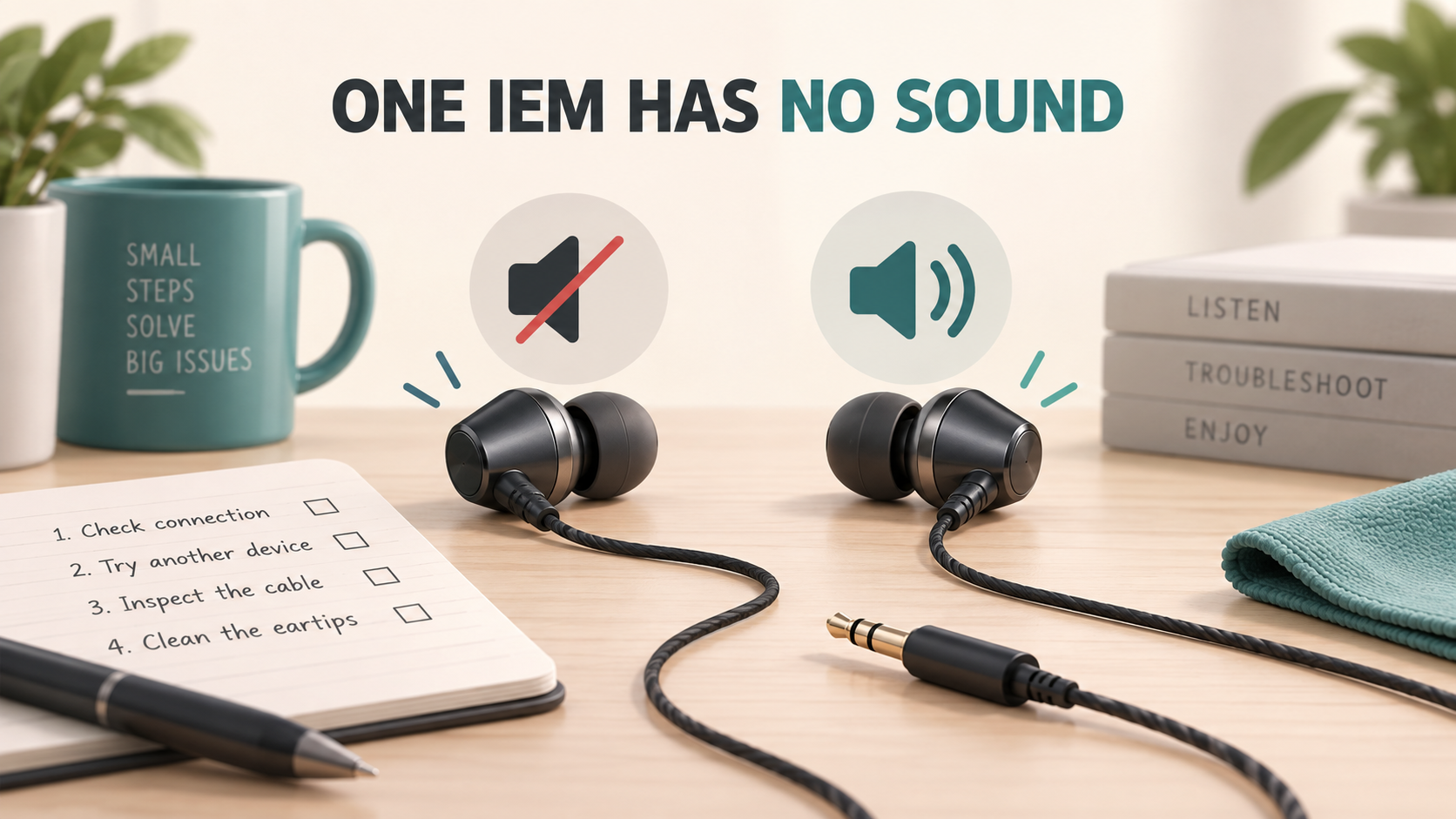
Illustration of one silent wired IEM and one working IEM during troubleshooting

A completely silent earpiece needs a different test from a small volume mismatch. Start with the simplest working signal path: one source, one compatible cable and the earphones. Remove unnecessary splitters and extensions before buying replacement parts.

Establish a known-working source

Lower the volume, start a familiar recording and confirm that playback is running. Check the selected output: a computer may still be sending audio to a monitor, Bluetooth device or another USB interface. Confirm that the app and system are not muted and that the balance control is centred.

Try another headset on that same output. If it also loses the same channel, investigate the source or adapter first. If possible, try the original IEMs on a second compatible device. Compare results at a comfortable level rather than using maximum volume to search for sound.

Inspect the physical signal path

  1. Pause playback and reseat the 3.5mm plug. A case or obstructed socket can prevent full insertion.
  2. Inspect the plug, strain relief and cable for obvious bending, cuts or looseness. Do not repeatedly flex a damaged section while listening.
  3. If you use USB-C, check the DAC adapter's compatibility. Test without additional hubs when practical.
  4. For detachable cables, check that each connector is seated according to the model instructions. Pin size, housing shape and connector type all matter.
  5. Inspect the nozzle externally for obstruction. Use the approved cleaning method; a silent earphone is not a reason to push a tool into the sound channel.

Use the result to choose the next step

If a confirmed-compatible spare cable restores normal playback, retain the original cable for inspection and ask about replacement. If the same earpiece stays silent across working sources and a compatible cable, stop disassembling and contact support. If the problem occurs only with a particular adapter, address the adapter rather than replacing the earphone.

Do wired IEMs need a factory reset?

Ordinary passive wired IEMs do not have a Bluetooth pairing reset. A USB DAC cable or wireless adapter may have its own controls, but those belong to the electronic accessory. Follow that accessory's manual instead of trying unrelated earbud button sequences.

What should I send to support?

List the model, silent side, source, adapter and any compatible spare cable tested. Mention whether the failure was sudden or followed an impact. Photos of the exterior and connector are more useful than an opened shell.

Read our phone connection guide or request TINHIFI support.

Reference for computer output checks: Microsoft audio troubleshooting.

Illustration: generated editorial artwork, not a photograph of a specific TINHIFI model.

X