We use cookies to improve your online experience. By continuing browsing this website, we assume you agree our use of cookies.
Home > News & IEM Guides > Care & Troubleshooting > Why Do My IEMs Hiss - How to Check Background Noise
Sep.2026 27

Why Do My IEMs Hiss - How to Check Background Noise

Introduction
Separate IEM hiss from recording noise, microphone monitoring and source noise. Check gain and connections before buying another DAC.
Details

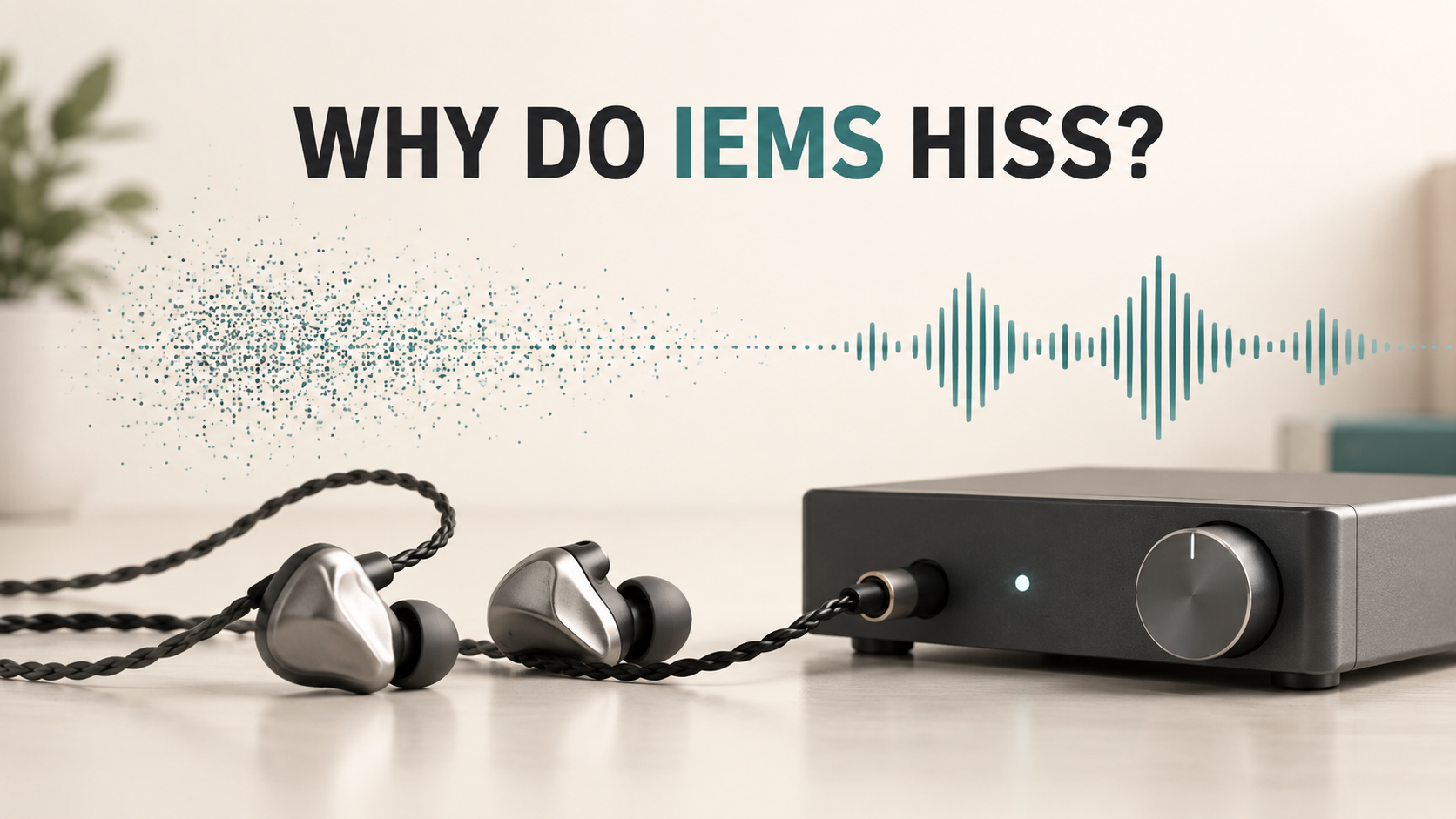
Illustration of IEM background hiss and a desktop audio source

A steady hiss is different from intermittent crackling or one silent channel. It may come from the recording, an active microphone-monitoring path or the connected source. Sensitive IEMs can make an audio output's background noise more noticeable.

Identify when the noise appears

Listen briefly at a low, comfortable volume. Is the hiss present only on one recording, during quiet sections of many recordings, or whenever the output is active? Some devices mute their output when paused, so silence during pause alone does not prove the device has no noise.

Write down the source, output socket, gain setting and connected accessories. A reproducible observation is more useful than describing a DAC as noisy without identifying its operating conditions.

Try these comparisons

  1. Use another recording: analogue recordings and live recordings can contain their own hiss.
  2. Disable monitoring: check whether sidetone, microphone monitoring or an app is feeding an open microphone into the earphones.
  3. Try low gain: if the amplifier offers a suitable low-gain mode, lower the volume before switching and adjust gently afterwards.
  4. Simplify the chain: remove unnecessary adapters and compare a compatible direct connection.
  5. Compare a second source: if the IEMs are quiet on another output, focus on source matching rather than replacing the earphones.

Does more amplifier power mean less hiss?

No. Maximum output power and residual noise describe different things. A powerful amplifier may have more gain than a sensitive IEM needs. Look for a useful low-volume adjustment range and published noise information, not just the largest wattage figure.

iFi's technical guidance describes how high sensitivity makes source noise more audible. That principle does not mean every IEM requires an attenuator. An added impedance adapter can also change how a particular earphone interacts with the source, so it should not be the first blind purchase.

Will balanced output solve it?

Do not assume it will. Compare the manufacturer's specifications for the actual outputs and use a correctly wired compatible cable. Never improvise a balanced-to-single-ended connection; the amplifier's wiring requirements matter.

What result should I report?

Tell support whether the hiss changes with gain, appears with multiple recordings, disappears on another source or depends on microphone monitoring. If you hear intermittent pops instead of a steady hiss, investigate connection stability separately.

For help matching a source to your model, contact TINHIFI. Our USB-C connection guide covers phone adapter compatibility.

Reference: iFi on sensitivity, impedance and amplifier noise.

Illustration: generated editorial artwork, not a photograph of a specific TINHIFI model.

X